


Starting your journey into automation is an exhilarating adventure. If you dream of creating machines that can think for themselves or just want to see how tech works with the real world, robots for beginners is now within reach.
You don’t need a big budget or a fancy lab to start. Thanks to cheaper hardware and free software, you can begin programming robots right at home.
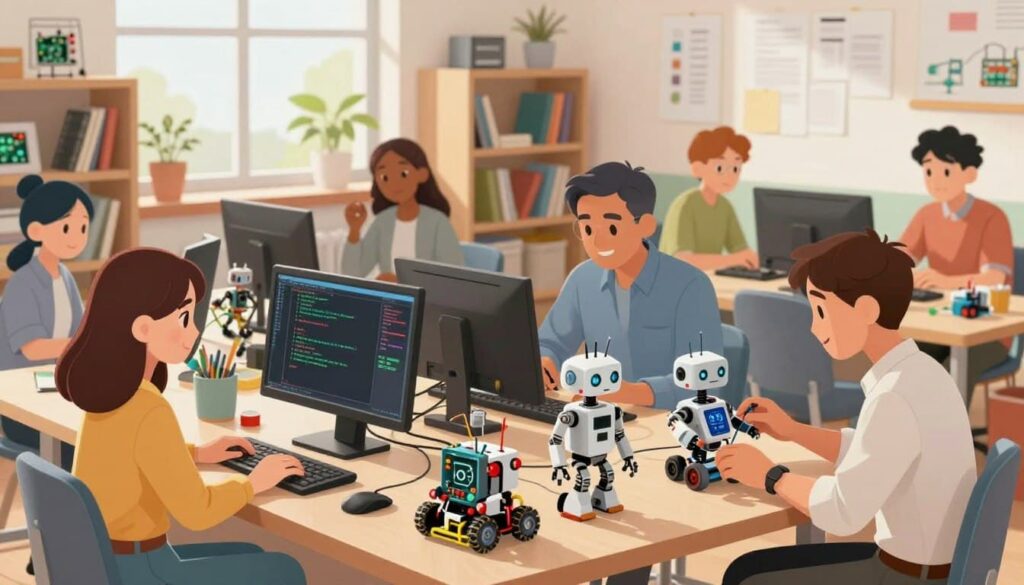
This guide is your guide to mastering these complex systems. We’ll show you the key tools and ideas you need to bring your ideas to life. By the end, you’ll go from a curious beginner to a skilled creator of robots that can move and interact with their surroundings.
Key Takeaways of Robots
- Discover how affordable hardware makes learning accessible for everyone.
- Understand the foundational concepts of modern automation.
- Learn how to utilize open-source software for your projects.
- Follow a clear roadmap to build your first autonomous system.
- Gain the confidence to design and control your own machines.
Understanding the Fundamentals of Robots
Modern robotics combines physical mechanics with digital intelligence. It’s a mix of mechanical engineering, electrical engineering, and computer science. This blend lets you create machines that can do complex tasks with great precision.
Defining Modern Robots
Exploring robotics for beginners shows robots are more than toys. They are machines that can sense their surroundings and do tasks on their own. These systems can work in places that are dangerous or where tasks are repetitive.
Today’s robots have grown from simple arms to machines that can make decisions. They use sensors and algorithms to understand their environment. This lets them work in changing situations.
The Relationship Between Hardware and Software
Think of a robot as a living thing. The hardware is like its body. It has a chassis, motors, and sensors that let it move and see. Without this, the robot can’t interact with the world.
The software is like the robot’s brain. It takes data from the hardware and tells the actuators what to do. A good system needs both hardware and software to work well together.
| Component Type | Physical Role | Software Equivalent |
|---|---|---|
| Sensors | Gather environmental data | Input processing algorithms |
| Microcontroller | Central processing unit | Control logic and code |
| Actuators | Physical movement | Motor control signals |
How Robots Process Information
Robots process information in a cycle. They take in data, analyze it, and then act on it. This cycle is key to autonomous navigation in complex places.
For example, an ultrasonic sensor might find an obstacle. The software then figures out how far away it is and tells the robot to turn. This way, the robot can move through unpredictable spaces by itself.
Essential Hardware and Software Tools of Robots
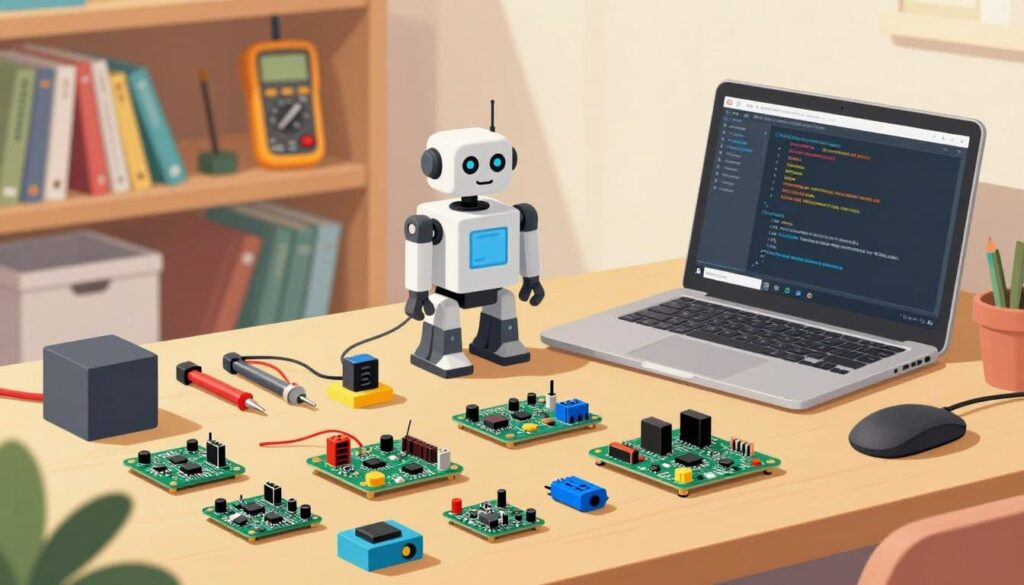
Starting your journey in robotics for beginners means learning about the hardware. It’s crucial to pick the right parts for your projects to work well.
Choosing Your Microcontroller Platform
The microcontroller is the robot’s brain. It handles sensor inputs and motor commands.
Arduino Uno for Beginners
The Arduino Uno is great for newbies. It’s easy to use and has a big community for help. Its simple design is perfect for learning the basics.
Raspberry Pi for Advanced Processing in Robots
For more complex tasks, you might need a stronger microcontroller like the Raspberry Pi. It can run full operating systems, making it great for tasks like image recognition.
Required Electronic Components for Robots
You’ll also need various electronic components for your circuits. A breadboard is key for testing circuits without soldering. Don’t forget jumper wires, resistors, and a good power supply.
| Component | Primary Use | Skill Level |
|---|---|---|
| Arduino Uno | Basic Logic & Control | Beginner |
| Raspberry Pi | Advanced Processing | Intermediate |
| Breadboard | Circuit Prototyping | Beginner |
| Jumper Wires | Signal Connection | Beginner |
Selecting Your First Programming Language
Your journey into robotics starts with picking a programming language that fits your goals. The right tool is key when programming robots, as it helps you turn your ideas into action. Whether you’re new or an aspiring engineer, knowing the strengths of different languages is crucial.
Why Python is the Industry Standard
Python programming is a top choice for many in robotics. Its clean syntax makes it easy to focus on the logic, not the formatting. It also has a huge library for AI and data processing.
This vast support means you can work on projects quickly. It’s great for seeing fast results. Many platforms now favor Python for its versatility and ease.
The Role of C++ in Performance-Critical Tasks
For tasks needing speed, C++ robotics is unmatched. It’s perfect for working with hardware and processing data in real-time. You can directly interact with your robot’s memory and processor.
Learn C++ for projects needing fast motor control or complex navigation. It’s used in professional settings where speed matters. Mastering it will deepen your understanding of your robot’s hardware.
Comparing Block-Based Coding vs Text-Based Coding
Choosing between visual and text-based coding depends on your skill level and goals. Block-based coding is great for beginners and learning concepts. Text-based coding is for professional development and complex systems.
- Block-Based: Ideal for beginners, visual learners, and quick prototyping.
- Text-Based: Needed for large projects, advanced C++ robotics, and professional Python programming.
- Transitioning: Many start with blocks, then move to text to improve their skills.
The best way to start is with the method that excites you. As you get better, you can switch to more advanced tools. These tools will give you more control over your robots.
Setting Up Your Development Environment in Robots
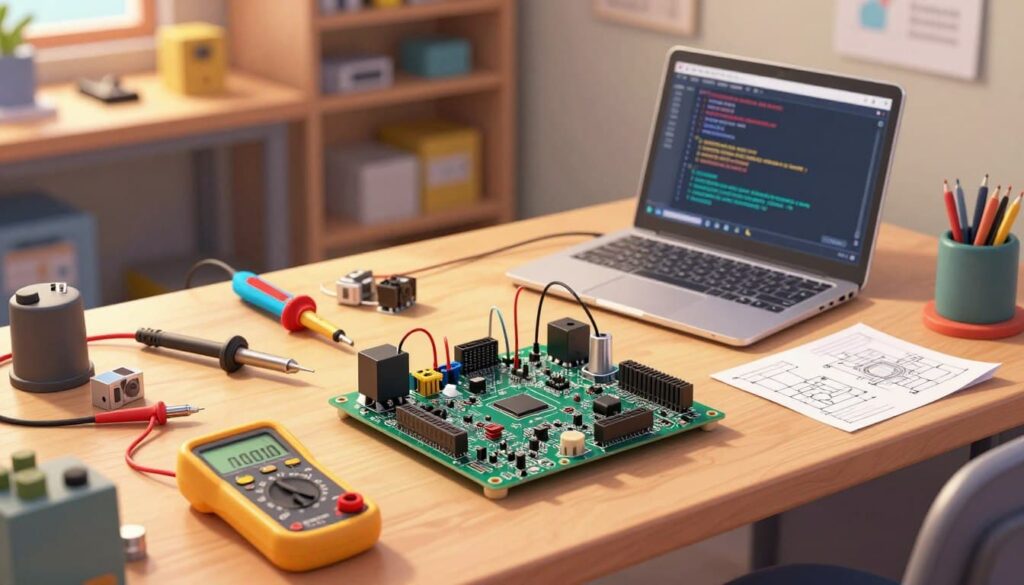
Turning your computer into a robotics workstation is a big step. You need to set up your tools right to avoid problems. This setup is key to your success in building machines.
Installing Integrated Development Environments for Robots
An Integrated Development Environment, or IDE, is where you write and upload your code. The right software makes a big difference. For microcontroller work, here are some top choices:
- Thonny: Great for beginners with simple scripts.
- VS Code: A top tool with lots of extensions.
- Arduino IDE: The go-to for hardware projects.
Configuring Drivers and Communication Ports in Robots
After setting up your software, you need to connect it to your hardware. Most boards need special drivers for USB connection. Without them, your computer won’t see the device.
Check your device manager to find the right port. This port connects your code to the microcontroller. Make sure it’s active before uploading your files.
Testing Your First “Hello World” Script
With your connection set, it’s time for your first test. This script checks if everything is working. It might make an LED blink or print a message.
Success here boosts your confidence for bigger projects. If it works, you’ve linked software and hardware. You’re ready to explore more with Python programming and robotics.
Mastering Basic Logic and Control Structures
To make a robot that really interacts with its world, you need to learn programming logic. This skill lets your robot do more than just follow a set path. It can make autonomous decisions based on what it sees and hears. Learning to code well is key to creating smart robots.
Understanding Conditional Statements
Conditional statements are like the brain of your robot. They help it decide what to do based on certain rules. For instance, your robot might stop if it gets too close to something.
In C++ robotics, these statements are crucial. They help control how your robot acts. This keeps it safe and able to move around easily.
Implementing Loops for Continuous Operation
Robots don’t just do one thing and then stop. They keep going, checking their surroundings and moving. Loops in the code make this happen.
Loops keep your robot’s actions going without stopping. This is how it can keep moving or following a path for a long time. Without loops, your robot would just do one thing and then stop.
Managing Variables and Data Types
Your robot needs to remember things to make smart choices. Variables hold this information, like what it sees or how fast it’s moving. Picking the right type of variable is important because robots have limited space in their memory.
Good data management is a big part of C++ robotics. It helps your robot keep track of its surroundings. By organizing your data well, you make your code easier to understand and improve.
Integrating Sensors for Real-World Interaction
Sensors connect your code to the real world. They let your robot see obstacles, measure distances, and know where it is. Learning to use robot sensors is key for any project that needs to move around.
Working with Ultrasonic Distance Sensors
Ultrasonic sensors, like the HC-SR04, send out sound waves that bounce back. Your microcontroller then figures out how far away an object is by how long it takes for the sound to come back.
“The most important thing is to keep the sensors clean and free from debris to ensure accurate readings.”
Use these sensors to make your robot avoid hitting things. This way, it won’t crash into walls or furniture.
Utilizing Infrared Proximity Modules
Infrared (IR) modules are great for finding things close by. They use light to see surfaces, which is perfect for robots that follow lines or find edges.
| Sensor Type | Best Use Case | Range |
|---|---|---|
| Ultrasonic | Obstacle Avoidance | 2cm – 400cm |
| Infrared | Line Following | 1cm – 30cm |
| IMU | Orientation | N/A |
Make sure IR modules are protected from sunlight. Ambient light interference can mess up your sensor data.
Processing Data from Accelerometers and Gyroscopes
To know how your robot moves, you need an Inertial Measurement Unit (IMU). It has accelerometers and gyroscopes to track tilt, rotation, and speed.
To make sense of this data, you need to use special algorithms. This way, your robot can stay balanced or move smoothly on rough ground. Good hardware integration means your robot sensors give you the right info for smart actions.
Implementing Actuators and Motor Control
Actuators are like the muscles of your machine, letting it move and interact with the world. They turn electrical energy into motion, key for any mobile project. Learning hardware integration helps your robot move and handle objects well.
Understanding Pulse Width Modulation
To control a motor’s speed or position, you need Pulse Width Modulation (PWM). This method sends quick electrical pulses to the motor. Changing the pulse width adjusts the voltage, controlling the motor’s power.
A wider pulse means more power, while a narrower one reduces it. This method allows for smooth control, not just on or off. Most modern microcontrollers have special pins for PWM.
Controlling Servo Motors for Precise Movement
Servo motors are great for precise movements, like moving parts to specific angles. They have internal feedback to hold their position accurately. You can tell a servo to rotate to any angle, usually 0 to 180 degrees.
These motors are perfect for robotic arms, grippers, or steering. By sending specific PWM signals, you control the servo’s movement. This precision is crucial for delicate tasks or repeatable motions.
Driving DC Motors with H-Bridge Circuits
DC motors are best for continuous rotation, like driving wheels. But, a standard microcontroller pin can’t power a motor directly. An H-bridge circuit acts as a bridge between the controller and motor.
An H-bridge lets you change the motor’s direction by reversing the power supply. This is key for hardware integration in wheeled robots. With an H-bridge and PWM, you control the speed and direction of your robot’s movement.
| Motor Type | Primary Use | Control Method | Feedback |
|---|---|---|---|
| Servo Motor | Precise Angles | PWM Signal | Internal |
| DC Motor | Continuous Motion | H-Bridge/PWM | External Required |
| Stepper Motor | High Accuracy | Pulse/Direction | Open Loop |
Exploring Advanced Robotics Frameworks
Take your robotics journey to the next level by using advanced software. As your projects get more complex, you’ll need more than simple scripts. This is to handle complex hardware interactions well.
Introduction to the Robot Operating System
The Robot Operating System, or ROS, is key for many professional projects. It offers a flexible way to write software for robots on different platforms. This system makes it easy to manage complex messages between your machine’s parts.
Many developers use Python programming with ROS to make their work easier. This combo lets you focus on the big picture while the framework handles the details. It’s a must-have for building top-notch autonomous systems.
Leveraging Open Source Libraries
You don’t have to start from scratch for every project. There’s a huge world of open-source libraries for common tasks like path planning and computer vision. These libraries are invaluable for saving time and keeping your code efficient.
Using these community-driven tools, you tap into years of engineering knowledge. You can add advanced features quickly, saving months of work. This keeps you ahead in robotics design.
Simulating Robot Behavior in Virtual Environments
Testing on real hardware can be risky if your code has bugs. Virtual environments let you test your machine’s behavior safely before real deployment. This is essential for perfecting your algorithms without damaging your equipment.
Simulation software has a realistic physics engine. Here, you can see how your code handles different scenarios. You can keep tweaking and testing until you’re sure it works. Then, you can move it to the real world with confidence.
Debugging and Troubleshooting Your Code
Troubleshooting is key to turning a tough project into a learning success. You’ll face problems, but solving them shows you’re skilled. Good debugging code helps you find issues fast and keeps your project moving.
Identifying Common Syntax and Logic Errors
When coding for C++ robotics, you’ll hit two main problems. Syntax errors happen when you break the programming rules, like missing a semicolon. These errors are caught right away by your compiler.
Logic errors, however, are trickier. They make your program run wrong, even if it doesn’t crash. For example, your robot might spin instead of moving forward because of a math mistake. Always check your code, especially when things don’t go as planned.
Using Serial Monitors for Real-Time Feedback in Robots
A microcontroller can’t talk to you directly, but it can send data to your computer. By adding print statements, you can see sensor values or motor speeds live. This is crucial for making sure your microcontroller is working right.
If your robot isn’t acting right, check the serial monitor. If you see unexpected data, you’ll know where to look. This tool can save you a lot of time and guesswork.
Best Practices for Hardware Testing in Robots
Before diving into complex software like the Robot Operating System, test your hardware first. Start by checking each part, like motors and sensors, on its own. This helps you avoid thinking your code is wrong when it’s really a hardware issue.
Here’s a table to help you tackle common problems during your build:
| Error Type | Common Cause | Recommended Fix |
|---|---|---|
| Syntax Error | Missing punctuation | Check compiler logs |
| Logic Error | Incorrect math | Use serial print |
| Hardware Fault | Loose wiring | Check connections |
| Power Issue | Low battery | Measure voltage |
Building Your First Autonomous Project of Robots
You’re now ready to build a robot that can move on its own. You’ll use what you’ve learned to create a fully functional machine. This project is your chance to show you can put hardware and software together.
Designing a Simple Obstacle-Avoiding Robots
First, build your robot’s body and add the electronic components. You’ll need a microcontroller, motor driver, and power source. Make sure your robot can hold its battery and motors.
Then, add robot sensors to help it see its surroundings. An ultrasonic distance sensor is great for finding walls or furniture. Connect your actuators, like DC motors, to the motor driver for movement.
Writing the Logic for Navigation in Robots
With your hardware ready, it’s time to write the coding logic. Your script should check the distance sensor often. If it finds an obstacle, it should make the robot turn.
This is the heart of autonomous navigation. You’ll need to write rules for the motors to stop, reverse, or turn. Consistency is key to avoid getting stuck.
Refining Performance and Efficiency in Robots
Once your robot is moving, you might find it doesn’t behave as expected. Use your serial monitor to see sensor readings live. This helps you spot any issues with the sensor or motor timing.
To make your robot better, try changing motor speed or sensor sensitivity. Small tweaks can greatly improve how well it moves. By the end, you’ll have a reliable robot that shows your mastery of robotics.
Conclusion
You now have the basics to build and program smart machines. This journey through hardware and software has given you a solid foundation. It’s ready for your future engineering projects.
Learning to debug code is crucial for tackling tough challenges. With practice, even hard errors become easy lessons. This skill is essential for your growth.
Trying out different robot sensors makes your creations more aware of their surroundings. Using Pulse Width Modulation in your motors makes movements smoother. This improves how your robots operate.
For advanced projects, the Robot Operating System is key. It helps manage complex tasks, scaling your designs from simple to complex.
Getting your robots to navigate on their own is a big achievement. Keep exploring new actuators to make your robots more capable.
Share your work with the maker and engineering community worldwide. Your fresh ideas help drive innovation in this fast-changing field. Keep creating and pushing your robots’ limits.
FAQ
Which programming language should you choose to begin your journey in robotics?
Python is a top choice for beginners because it’s easy to read and has lots of libraries. But, if you need fast performance or detailed control, C++ is better. You might also try block-based coding to learn the basics before moving to text-based coding.
What is the difference between an Arduino Uno and a Raspberry Pi for your projects?
Arduino Uno is great for simple projects and basic electronics. Raspberry Pi, on the other hand, is powerful for complex tasks and needs a full operating system.
How do you enable your robot to perceive and navigate its environment?
Use sensors like ultrasonic distance sensors and infrared modules for detection. Add accelerometers and gyroscopes to track movement and orientation.
What essential electronic components do you need to start building?
You’ll need a microcontroller, breadboards, jumper wires, and a power supply. These help you build a strong and functional robot.
How does a robot convert software instructions into physical movement?
Actuators and motor control make this happen. Use Pulse Width Modulation (PWM) for servo motors and H-bridge circuits for DC motors.
What is the Robot Operating System (ROS) and why should you use it?
ROS is a framework for managing complex software. It uses open-source libraries and simulates robot behavior. This makes your code reliable before using it on real hardware.
How can you effectively troubleshoot problems in your robot’s code?
Use serial monitors for real-time feedback. This helps with syntax and logic errors. Also, test your hardware to ensure everything is working right.
What are the first steps in setting up your development environment?
Install the right Integrated Development Environments (IDEs) for your hardware. Then, set up drivers and test the connection with a “Hello World” script.